
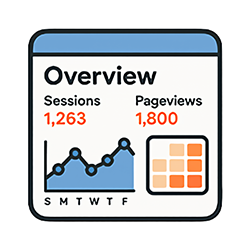
A sidekick that answers “How did my site do this week?” Choose the last 7, 28 or 90 days, and it walks you through sessions, pageviews and users, which days and hours are busiest, a breakdown by OS and browser, and how it all compares with the previous period.
For example, if your traffic peaks on certain days and at certain hours, you can time your newsletter and social posts to match. It also adds readings on the spot, such as “B2B sites drop on weekends, while B2C sites stay about the same as weekdays.”
Its job is not to leave you staring at numbers, but to take you as far as deciding what to do next.
Good for: site owners and marketers